Derek
Administrators
-
Joined
-
Last visited
-
Thank you for all the hard work guys. Brilliant work this month. The logo updates have now started. Any logos posted up until this point will be included in this months updates. IMPORTANT NOTE This thread will be temporarily closed and will reopen in a few days time. We will be implementing changes to the way we submit logos and we are excited to share that with you soon.
-
Thank you for all the hard work guys. Brilliant work this month. The logo updates have now started. Any logos posted up until this point will be included in this months updates. IMPORTANT NOTE This thread will be temporarily closed and will reopen in a few days time. We will be implementing changes to the way we submit logos and we are excited to share that with you soon.
-
@kenolio @Moondog777 Guys can you clarify for me which will be the main logo for Oud-Heverlee Leuven ID 280, 2000181444 and 2000259448 (Womens) please.
-
Hi All The cut off for logo submissions will be this Friday. I will then start the updates on Saturday. Thank you as always for all your hard work.
-
Hi All The cut off for logo submissions will be this Friday. I will then start the updates on Saturday. Thank you as always for all your hard work.
-
There would be two updates 2026.11 and 2026.12. The 2026.12 update is the 'bridge' between the 2026 and 2027 packs. So if you have downloaded all 2026 updates and it's megapack you won't need to download the 2027 megapack. October - 2026.11 update release November - 2026.12 update release November - 2027.00 megapacks - normally within 1-2 of the last update
-
Brilliant thanks for letting me know mate.
-
 Please post this in the Logo Update Thread. This will ensure it's not missed in the next update. Thanks
 -
FM Mobile FMV Logos Update 2026.10 Template by @Tempelman Pack by @Derek Research Team @schweigi @AndreaSSL1900 @cameosis @Markitos @kristo @kenolio @perpalik @ThomasT @Moondog777 @wfm18 @Alieks @rioplworks @John Malisianos @shadow Pack Contents Mens Official Logos - 1332 Mens Logo Alternatives - 421 Women's Official Logos - 117 Advertising & Marketing Women's Logo Alternatives - 103 Pack Total Logos - 1,973 Installation Guide - FMG Monthly Logo UpdatesDrag and drop the contents (including the config files) of each folder in this update pack into the corresponding folder in the megapack and replace the existing logos when prompted. Do not drag and drop the actual folders as this will overwrite your megapack. This MUST be done for both sizes (180x180px and 25x18px) or you will have issues displaying the logos in-game. Then simply go to preferences in FM and reload your skin. Alternative | Fantasy | Retro Logos To use any of the alternative, fantasy or retro logos in game you must remove the text at the end of each logo i.e. alt, retro or fantasy and drag and drop into the normal logo folder in the megapack. You will need to repeat this for all four sizes. Then simply go to preferences in FM and reload your skin. I would advise creating a copy of the original logos before replacing them. *THIS IS AN UPDATE FILE ONLY - YOU WILL NEED TO DOWNLOAD THE MEGAPACK AND ITS UPDATES. INSTALL EACH UPDATE IN ORDER.
-
 FM Mobile FMV Logos Update 2026.10 Template by @Tempelman Pack by @Derek Research Team @schweigi @AndreaSSL1900 @cameosis @Markitos @kristo @kenolio @perpalik @ThomasT @Moondog777 @wfm18 @Alieks @rioplworks @John Malisianos @shadow Pack Contents Mens Official Logos - 1332 Mens Logo Alternatives - 421 Women's Official Logos - 117 Women's Logo Alternatives - 103 Pack Total Logos - 1,973 Installation Guide - FMG Monthly Logo UpdatesDrag and drop the contents (including the config files) of each folder in this update pack into the corresponding folder in the megapack and replace the existing logos when prompted. Do not drag and drop the actual folders as this will overwrite your megapack. This MUST be done for both sizes (180x180px and 25x18px) or you will have issues displaying the logos in-game. Then simply go to preferences in FM and reload your skin. Alternative | Fantasy | Retro Logos To use any of the alternative, fantasy or retro logos in game you must remove the text at the end of each logo i.e. alt, retro or fantasy and drag and drop into the normal logo folder in the megapack. You will need to repeat this for all four sizes. Then simply go to preferences in FM and reload your skin. I would advise creating a copy of the original logos before replacing them. *THIS IS AN UPDATE FILE ONLY - YOU WILL NEED TO DOWNLOAD THE MEGAPACK AND ITS UPDATES. INSTALL EACH UPDATE IN ORDER.
 -
FM Mobile FMG Vapour Logos Update 2026.10 Pack & Template by @Derek Research Team @schweigi @AndreaSSL1900 @cameosis @Markitos @kristo @kenolio @perpalik @ThomasT @Moondog777 @wfm18 @Alieks @rioplworks @John Malisianos @shadow Pack Contents Mens Official Logos - 1332 Mens Logo Alternatives - 421 Women's Official Logos - 117 Women's Logo Alternatives - 103 Pack Total Logos - 1,973 Installation Guide - FMG Monthly Logo UpdatesDrag and drop the contents (including the config files) of each folder in this update pack into the corresponding folder in the megapack and replace the existing logos when prompted. Do not drag and drop the actual folders as this will overwrite your megapack. This MUST be done for both sizes (180x180px and 25x18px) or you will have issues displaying the logos in-game. Then simply go to preferences in FM and reload your skin. Alternative | Fantasy | Retro Logos To use any of the alternative, fantasy or retro logos in game you must remove the text at the end of each logo i.e. alt, retro or fantasy and drag and drop into the normal logo folder in the megapack. You will need to repeat this for all four sizes. Then simply go to preferences in FM and reload your skin. I would advise creating a copy of the original logos before replacing them. *THIS IS AN UPDATE FILE ONLY - YOU WILL NEED TO DOWNLOAD THE MEGAPACK AND ITS UPDATES. INSTALL EACH UPDATE IN ORDER.
-
 FM Mobile FMG Vapour Logos Update 2026.10 Pack & Template by @Derek Research Team @schweigi @AndreaSSL1900 @cameosis @Markitos @kristo @kenolio @perpalik @ThomasT @Moondog777 @wfm18 @Alieks @rioplworks @John Malisianos @shadow Pack Contents Mens Official Logos - 1332 Mens Logo Alternatives - 421 Women's Official Logos - 117 Women's Logo Alternatives - 103 Pack Total Logos - 1,973 Installation Guide - FMG Monthly Logo UpdatesDrag and drop the contents (including the config files) of each folder in this update pack into the corresponding folder in the megapack and replace the existing logos when prompted. Do not drag and drop the actual folders as this will overwrite your megapack. This MUST be done for both sizes (180x180px and 25x18px) or you will have issues displaying the logos in-game. Then simply go to preferences in FM and reload your skin. Alternative | Fantasy | Retro Logos To use any of the alternative, fantasy or retro logos in game you must remove the text at the end of each logo i.e. alt, retro or fantasy and drag and drop into the normal logo folder in the megapack. You will need to repeat this for all four sizes. Then simply go to preferences in FM and reload your skin. I would advise creating a copy of the original logos before replacing them. *THIS IS AN UPDATE FILE ONLY - YOU WILL NEED TO DOWNLOAD THE MEGAPACK AND ITS UPDATES. INSTALL EACH UPDATE IN ORDER.
 -
FM Mobile FMG Steel Logos Update 2026.10 Pack & Template by @Derek Research Team @schweigi @AndreaSSL1900 @cameosis @Markitos @kristo @kenolio @perpalik @ThomasT @Moondog777 @wfm18 @Alieks @rioplworks @John Malisianos @shadow Pack Contents Mens Official Logos - 1332 Mens Logo Alternatives - 421 Women's Official Logos - 117 Women's Logo Alternatives - 103 Pack Total Logos - 1,973 Installation Guide - FMG Monthly Logo UpdatesDrag and drop the contents (including the config files) of each folder in this update pack into the corresponding folder in the megapack and replace the existing logos when prompted. Do not drag and drop the actual folders as this will overwrite your megapack. This MUST be done for both sizes (180x180px and 25x18px) or you will have issues displaying the logos in-game. Then simply go to preferences in FM and reload your skin. Alternative | Fantasy | Retro Logos To use any of the alternative, fantasy or retro logos in game you must remove the text at the end of each logo i.e. alt, retro or fantasy and drag and drop into the normal logo folder in the megapack. You will need to repeat this for all four sizes. Then simply go to preferences in FM and reload your skin. I would advise creating a copy of the original logos before replacing them. *THIS IS AN UPDATE FILE ONLY - YOU WILL NEED TO DOWNLOAD THE MEGAPACK AND ITS UPDATES. INSTALL EACH UPDATE IN ORDER.
-
 FM Mobile FMG Steel Logos Update 2026.10 Pack & Template by @Derek Research Team @schweigi @AndreaSSL1900 @cameosis @Markitos @kristo @kenolio @perpalik @ThomasT @Moondog777 @wfm18 @Alieks @rioplworks @John Malisianos @shadow Pack Contents Mens Official Logos - 1332 Mens Logo Alternatives - 421 Women's Official Logos - 117 Women's Logo Alternatives - 103 Pack Total Logos - 1,973 Installation Guide - FMG Monthly Logo UpdatesDrag and drop the contents (including the config files) of each folder in this update pack into the corresponding folder in the megapack and replace the existing logos when prompted. Do not drag and drop the actual folders as this will overwrite your megapack. This MUST be done for both sizes (180x180px and 25x18px) or you will have issues displaying the logos in-game. Then simply go to preferences in FM and reload your skin. Alternative | Fantasy | Retro Logos To use any of the alternative, fantasy or retro logos in game you must remove the text at the end of each logo i.e. alt, retro or fantasy and drag and drop into the normal logo folder in the megapack. You will need to repeat this for all four sizes. Then simply go to preferences in FM and reload your skin. I would advise creating a copy of the original logos before replacing them. *THIS IS AN UPDATE FILE ONLY - YOU WILL NEED TO DOWNLOAD THE MEGAPACK AND ITS UPDATES. INSTALL EACH UPDATE IN ORDER.
 -
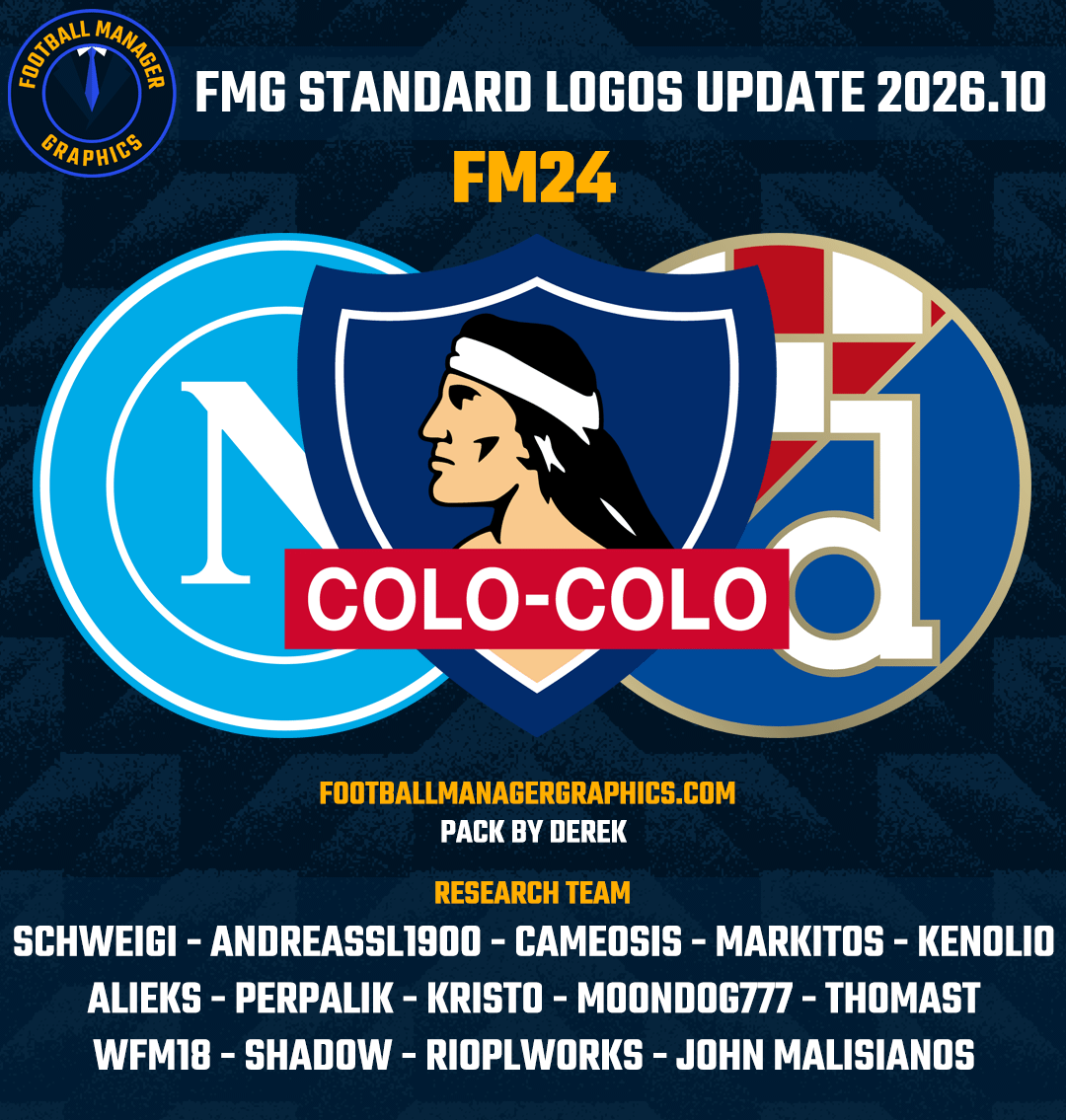
FM Mobile FMG Standard Logos Update 2026.10 Pack & Template by @Derek Research Team @schweigi @AndreaSSL1900 @cameosis @Markitos @kristo @kenolio @perpalik @ThomasT @Moondog777 @wfm18 @Alieks @rioplworks @John Malisianos @shadow Pack Contents Mens Official Logos - 1332 Mens Logo Alternatives - 421 Women's Official Logos - 117 Women's Logo Alternatives - 103 Pack Total Logos - 1,973 Installation Guide - FMG Monthly Logo UpdatesDrag and drop the contents (including the config files) of each folder in this update pack into the corresponding folder in the megapack and replace the existing logos when prompted. Do not drag and drop the actual folders as this will overwrite your megapack. This MUST be done for both sizes (180x180px and 25x18px) or you will have issues displaying the logos in-game. Then simply go to preferences in FM and reload your skin. Alternative | Fantasy | Retro Logos To use any of the alternative, fantasy or retro logos in game you must remove the text at the end of each logo i.e. alt, retro or fantasy and drag and drop into the normal logo folder in the megapack. You will need to repeat this for all four sizes. Then simply go to preferences in FM and reload your skin. I would advise creating a copy of the original logos before replacing them. *THIS IS AN UPDATE FILE ONLY - YOU WILL NEED TO DOWNLOAD THE MEGAPACK AND ITS UPDATES. INSTALL EACH UPDATE IN ORDER.